“Your developer profile and all apps will be removed from Google Play”
StatusResolved
ImpactNone. Nothing was removed.
Root causeA new payout bank account was still under review.
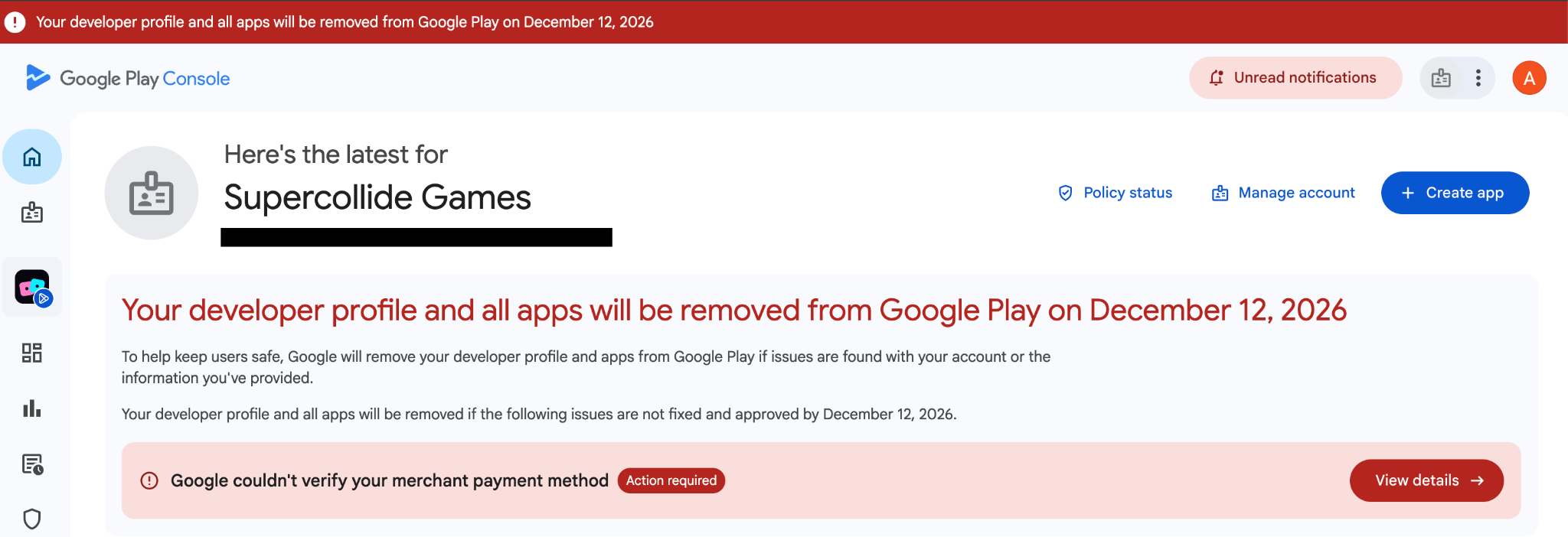
If you make money from an app on Google Play, or you plan to, you may open Play Console one day and find this at the top. We did, right after our first sale. This post is what I wanted to find when I searched for it.
All it meant was that our newly added payment method was under review. Nothing was wrong and nothing was removed. But if you’re anything like me, a threat like that still means about two to three days of panic and anxiety that nobody needed.
We recently launched The Last Sailing, our first product that makes money. The business model is very simple. Part of the story is free. If you like it, you unlock the rest for a one-time fee.
About a week after the app was live, we got our first purchase. Since this was our very first transaction, it triggered some required information for accounts making money on the Play Store: a couple of tax forms, and the bank account where Google pays you. Nothing out of the ordinary.
When you add bank details for a new payment method, Google asks you to upload a bank statement to verify the account. (The options here probably vary by country.) The verification can take a few days, it says. All good. I submitted everything, the status of the payment method changed to “in review”, and I thought to myself… that’s done. What’s next on the to-do list for today?
So you can imagine my shock when I went back to the home page and saw the message above. Under it, the problem was listed as “Google couldn’t verify your merchant payment method”, marked “Action required”.
When you click View details, it takes you to a page where the only way to fix it is to contact Google, and I’m sure that part is familiar to a lot of people. I couldn’t find a way to talk to an agent. My only option was to submit a ticket, so I did.
In a panic, I called my partner, who luckily is calm under pressure. Google had also sent an email, and he got it too, since he’s a user on the account. He wasn’t in the state I was in, so he actually read it, and saw that at the very end it said this:
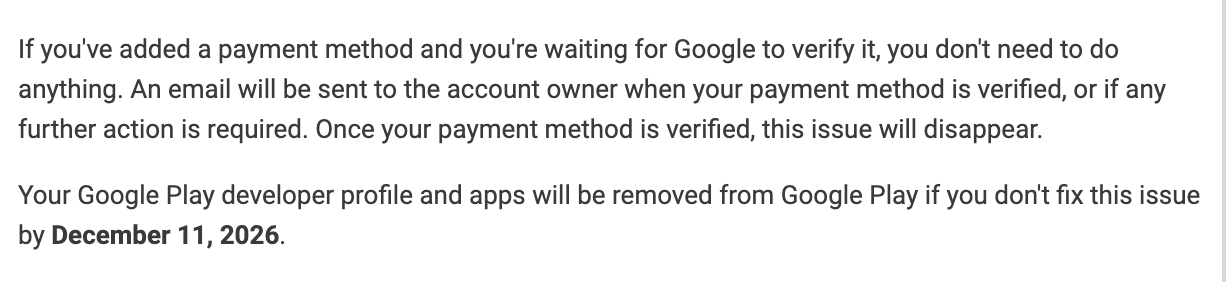
It didn’t completely calm me down, but it helped. There isn’t much about this on the forums, but I found enough to believe this was the likely cause. This thread on r/androiddev is one of the posts I found.
Yes. The payment method is now verified and the big red warnings are gone. And I guess now we know.
And the ticket? The payment method was verified on November 16. On November 21, five days after all this had been resolved, Google replied:
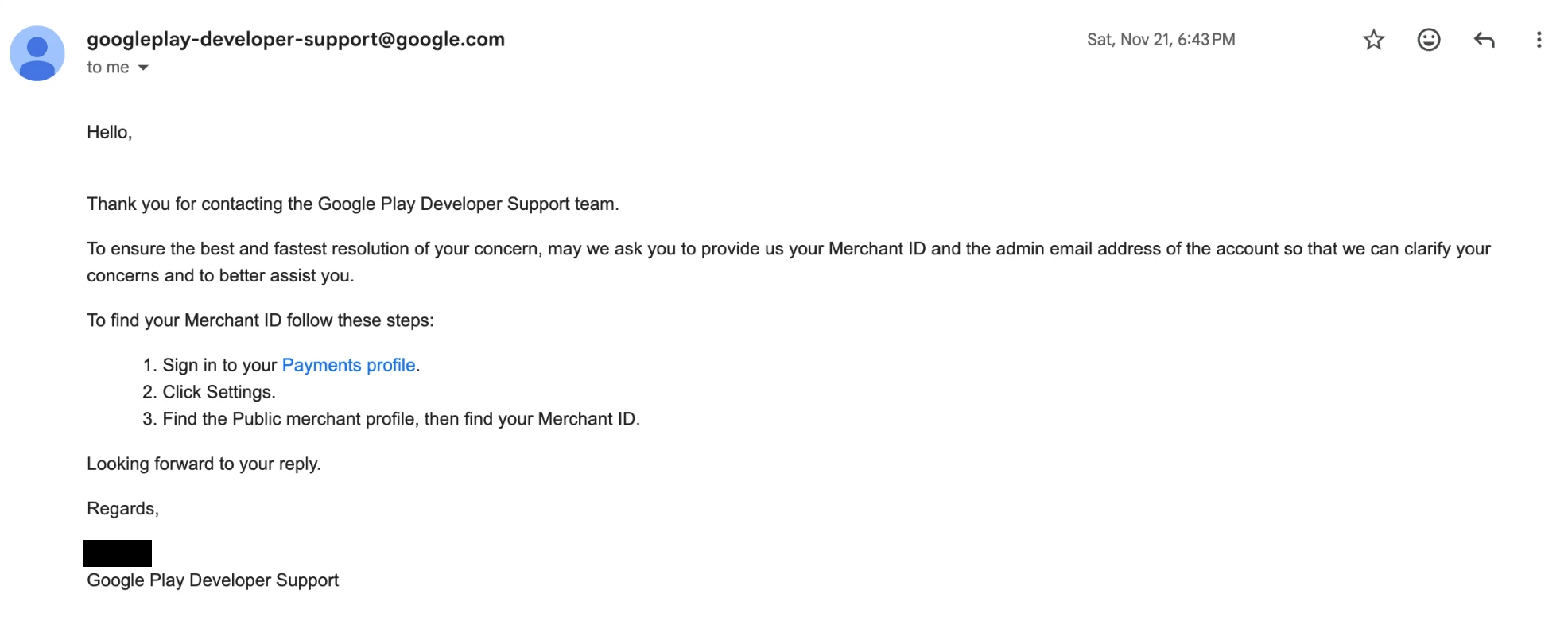
They asked for our Merchant ID and the admin email address of the account, so they could look into it. Which is crazy, because you can only submit a support ticket through the account. Face palm.
In Google’s defense, they do have a reason for the warning. Their help page on keeping a developer account up to date says developers who earn money on Google Play “must have a verified payment method to receive payments from Google”, and that an account they can’t verify can lose its profile and apps. So the red banner is the standard notice for a payment method that isn’t verified yet. It just doesn’t tell “we couldn’t verify this” apart from “we’re still checking”.
What would it take to change that? One sentence would do it: “Your payment method is under review.” Or so one would think. But I’m sure they have their reasons, and maybe it’s a lot more complicated than that.
The Last Sailing is on Google Play, and still will be on December 12. As always, you can find us on Instagram @supercollide_games.